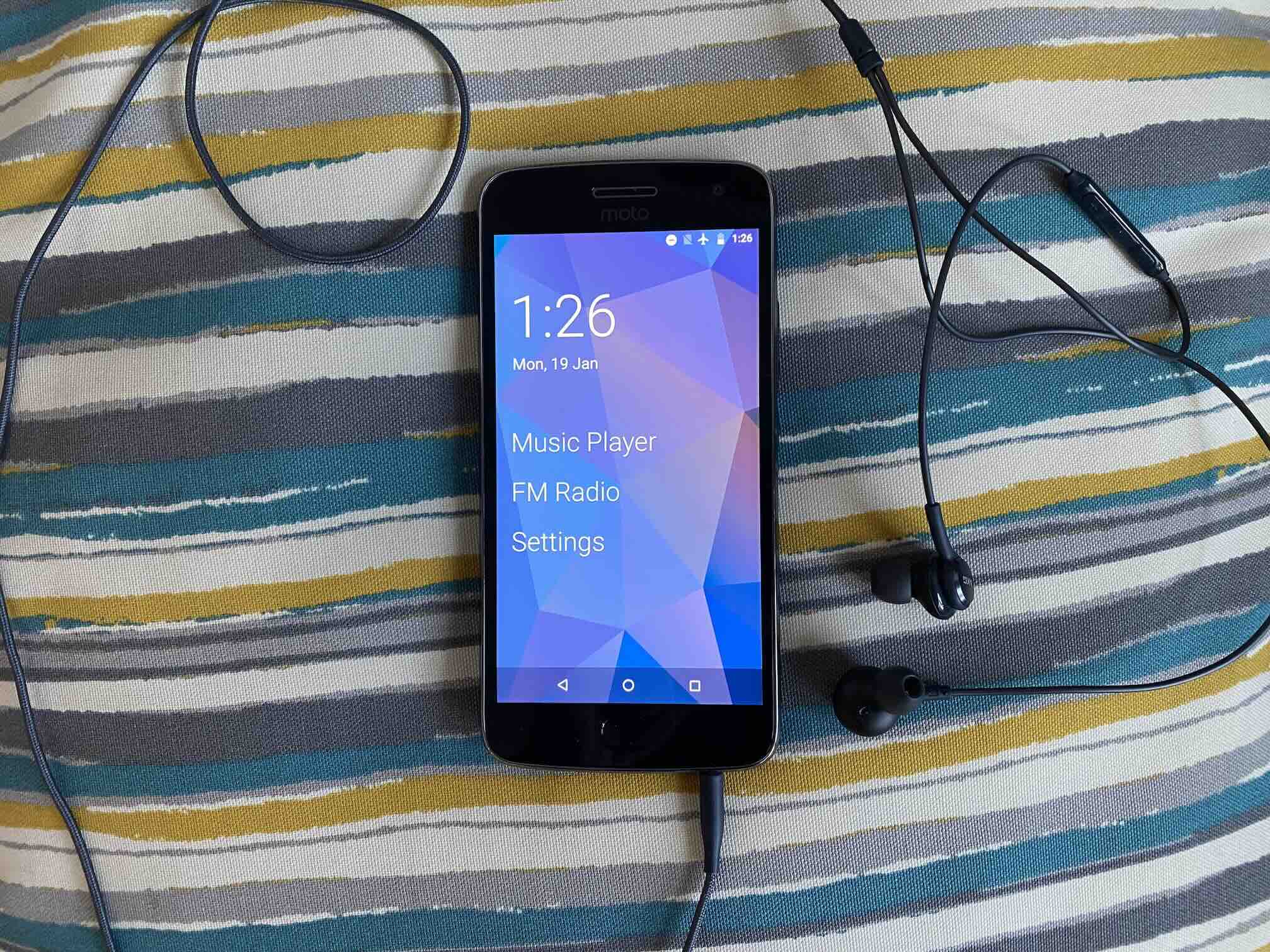
My latest project is an Android phone repurposed as a dedicated media player. I’ve used other Android phones as media players, but they were either over-powered or they lacked niceties like having a bottom headphone jack1.
I landed on using a Moto G5 Plus (2017). It’s a pretty unremarkable phone. It’s specs were mid-range even when it was new. It’s old enough that it still uses a micro-USB port rather than the more modern USB-C port. But it fulfills the minimum requirements for a media player. It has an SD card reader and a headphone jack.
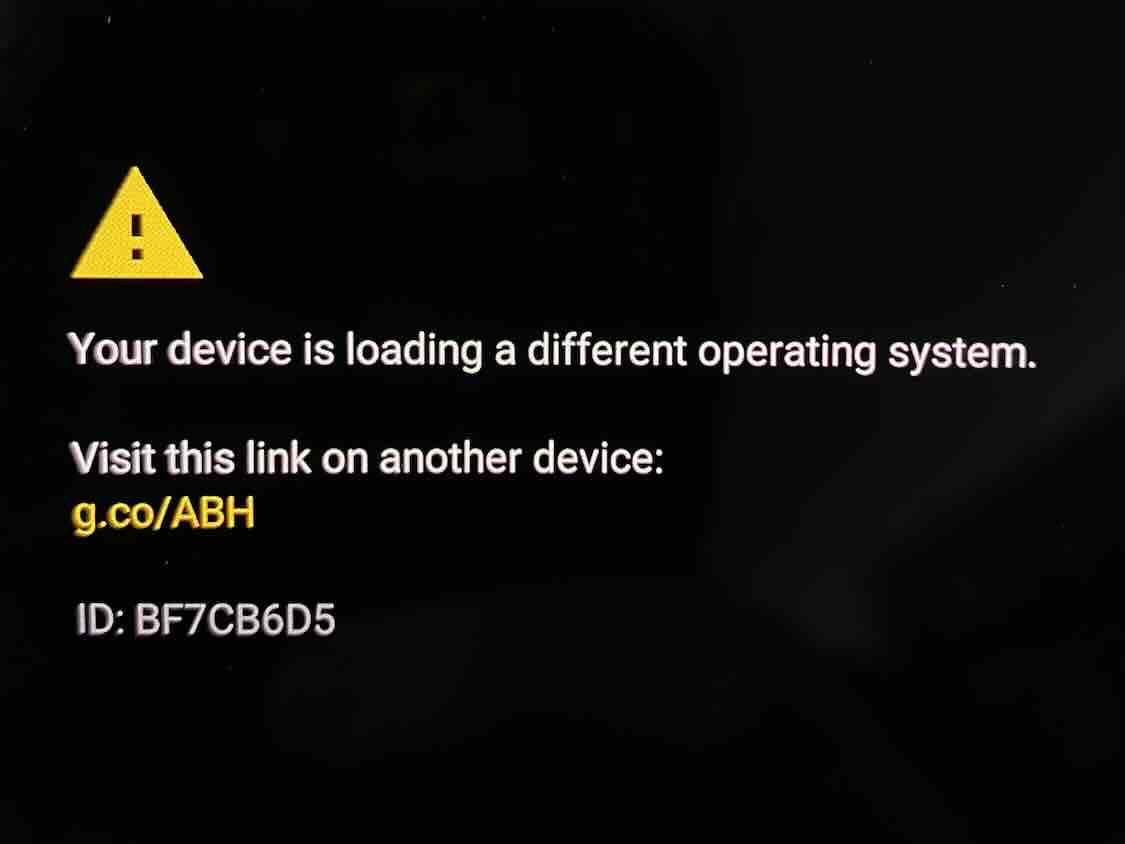
The software side of things aren’t that exciting either. There’s little-to-no after-market operating systems that support it. I can’t get LineageOS for it. I tried installing postmarketOS and that was a disaster that almost bricked it. It has Android 8.1 – the highest version that Motorola released for this phone – which puts it at the fading edge of modernity. But the underwhelming hardware and software of the G5 Plus makes it useful here because there’s not that many other great uses for it.
I discovered something cool about the G5 Plus that makes it uniquely suited as my media player, which is that it has a built-in FM radio tuner! I’m already a regular radio listener, so the FM tuner is the killer feature for me. I have a couple stations that I’m always up for listening to, which gives me a reason to reach for the G5 Plus without having something specific in mind. And that lack of upfront choice makes it a low-friction, approachable entertainment device.
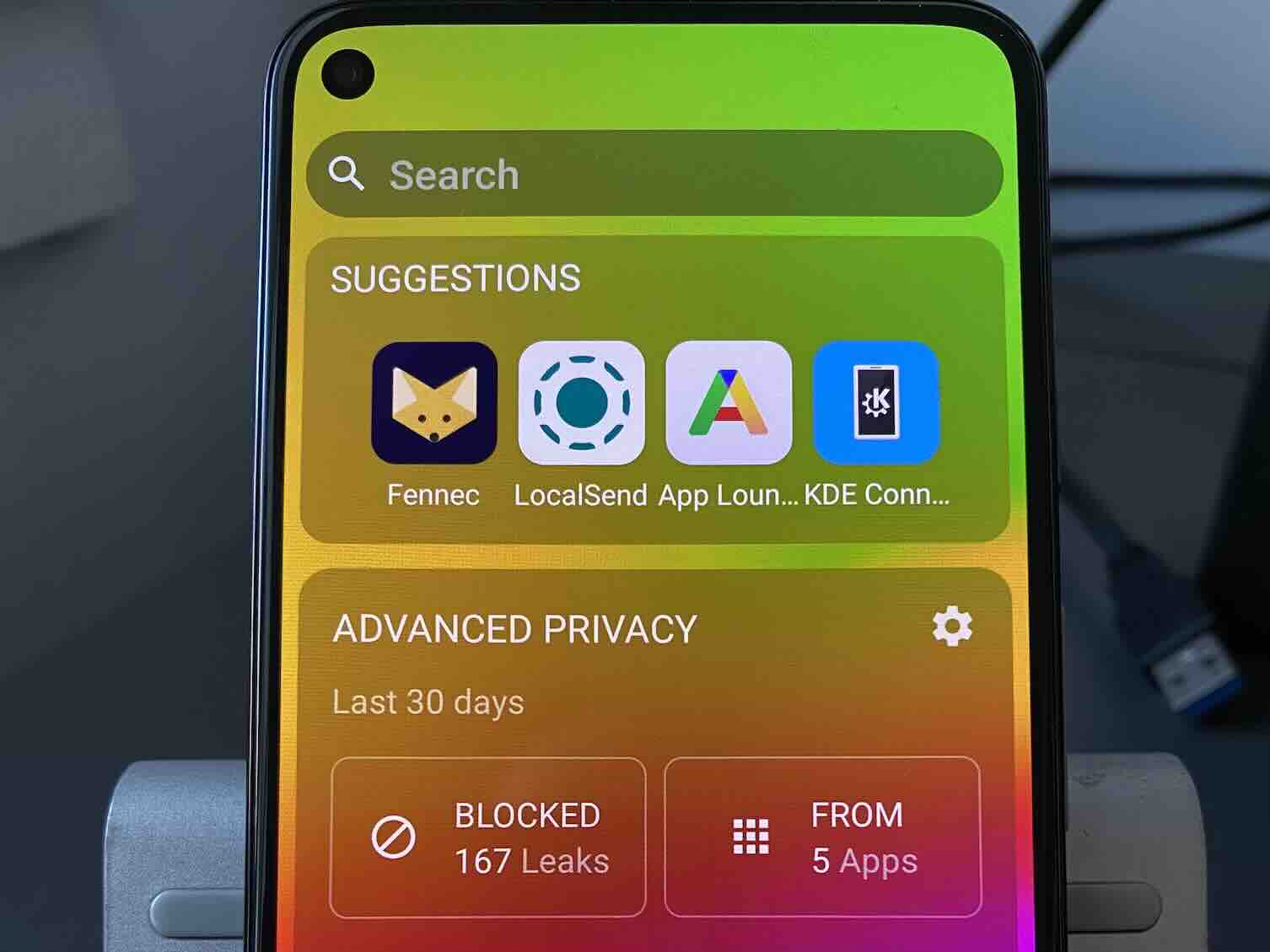
I started with a clean factory install of Android 8.1 and I chose not to sign in to any Google account, eschewing all Google apps and services. Instead I got all of my apps (except one) from F-Droid the open source Android app repository.
There were a lot of options for music playing apps, but so far I’m happy with with my choice of Fossify Music Player. It’s completely offline and the interface is really straight-forward. I replaced the built-in Google keyboard with Heliboard to ensure that no part of Google’s internet-connected services would be invoked. The last app is the pre-installed FM Radio app from Motorola. It’s already good enough for anything I need. It automatically scans for stations, lets me save my favorite stations, and I can add labels to my saved stations.
Unlike my previous Android phone media players, I wanted the Moto G5 Plus to feel like a dedicated music player. To do that, I installed the minimal home screen/launcher Olauncher. This launcher gets rid of the traditional grid of apps and instead shows simple vertical list of app names that I pin to the home screen. I can pick how many apps I want to pin, but I limited it to three apps. I pinned both the Music Player and FM Radio to the home screen. I pinned the Settings app just in case I need it (though I rarely do so I might remove it later). Then I disabled the lock screen, so waking the device goes straight to the home screen. That’s about as close to a “dedicated” device as I can get while working within the structure of Android.
And that’s it! With a minimal launcher, a couple of apps, and some considered system settings and I have a complete media player that is very usable. All for very little effort.
This was a good exercise in “right-sizing” a device for a task. Previously I used a Samsung Galaxy S9 as media player because it also has a bottom headphone jack and an SD card reader, but it’s other specs make it useful for a lot of other things. A key part of my mission to avoid buying new things and maintain my future garbage is knowing when to promote a device to heavier work or when to use it for lighter work.
Another lesson I’ve taken from this is that, even though I’d like to install an after-market operating system, sometimes the best I can do is to just use the software that comes with the device. I’ve written about LineageOS and /e/OS as nice alternative versions of Android. Either of those would be better than Motorola’s out-of-support Android 8.1. I went looking for Lineage and /e/OS and they aren’t available for the G5 Plus. But in this case, it just didn’t matter.
While using the pre-installed version of Android may be the best I can do today, it carries longer-term risk. I found when looking for apps on F-Droid that there are a lot of apps I can’t install on the G5 Plus because it’s on Android 8.1. For example, Olauncher was not my first choice of launcher, but the other launcher I liked more requires Android 12 or higher. It’s useful to keep in mind when thinking about re-purposing or up-cycling Android phones that usually Android versions 7 or 8 is the absolute bottom-end what most apps support. And when the open source community drops support, it really is the fading edge.
1: A headphone jack on the bottom is the correct placement because you want the least distance between the headphone jack and your ears while holding the device. When the jack is on top, the cable has to bend and stretch around the entire body of the device before getting to your ears.
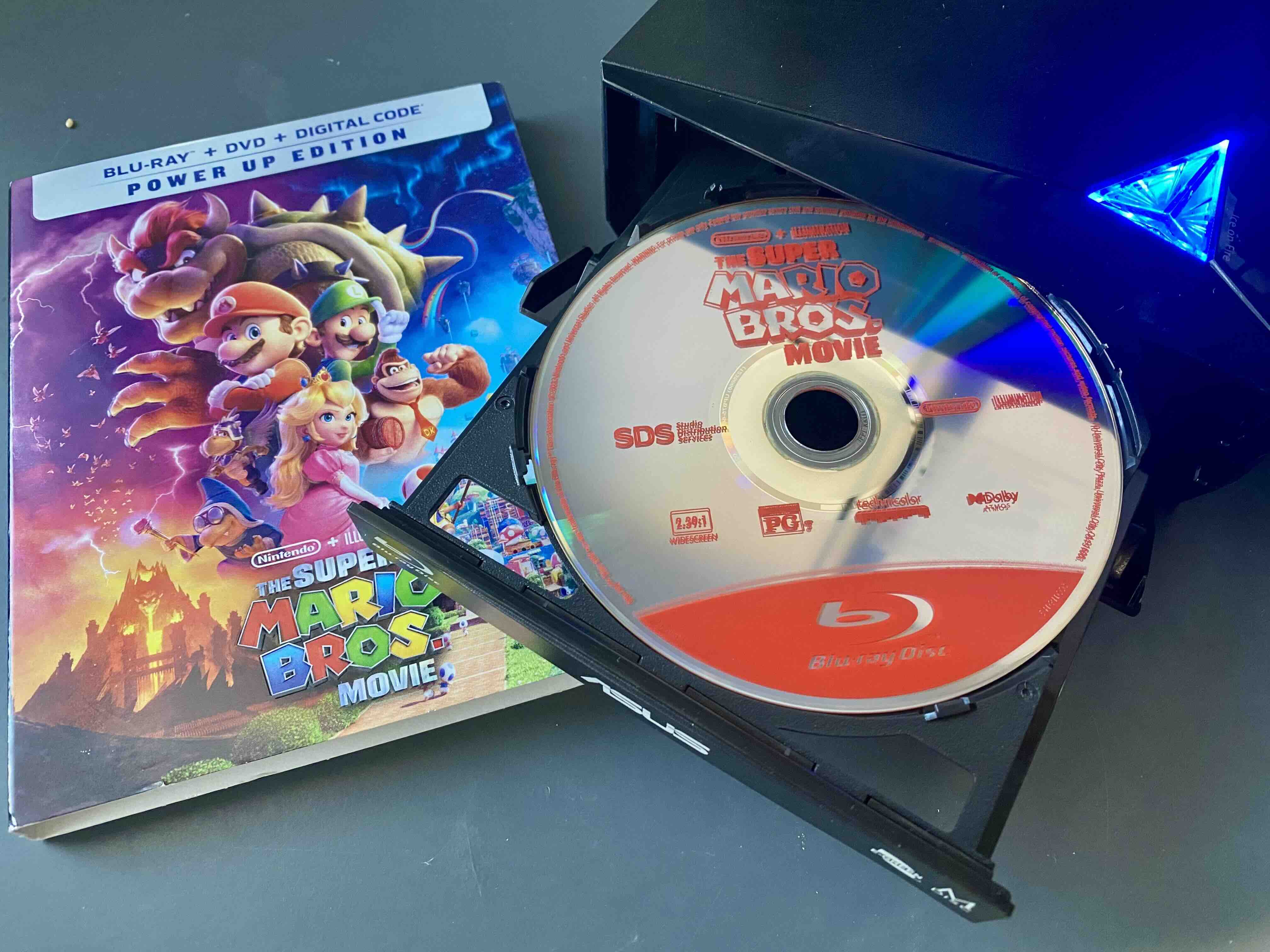
Owning my digital media is off to a strong start this year. For Christmas/Hanukkah, Santa Maccabee gave me an external USB Blu-ray drive. See, I’ve been slowly growing my Blu-ray collection from thrift stores for about $3 a disc. Some I bought from Half Price Books for more money because the discs people donate to thrift stores is, well, it’s uneven.
Fun fact: the most common Blu-ray in thrift stores today is 2013’s Frozen. And it’s easy to see why that would be. Frozen is a movie that kids love and want to watch over and over (believe me, I know). Disney+ didn’t launch until six years after Frozen debuted. In that way, 2013 was probably the height of the Blu-ray discs. But that first generation of Frozen kids aged out of their watch-every-freaking-day phase by 2019. Now six years after that, any kid that watches a lot of Frozen today is watching it on Disney+.
I like the idea of physical media. I think the physicality of picking up a disc case, examining it’s cover, and deciding whether or not to watch it is a brain-healthy thing, especially for a small child. It’s less abstract and more grounded in reality than picking something from the infinite pool of streaming entertainment. I can feel streaming’s lack of grounding when I can’t choose what to watch because there might be something that I’d rather watch more at this moment. There are more options than my monkey brain can sift through.
The problem with physical media, setting aside the relative inconvenience, is that streaming is the primary way we consume media in my house. The Apple TV is my family’s front-end for movies and TV and we’ve been really happy with it for the last eight years. If I converted everything in my life over to the physical media exclusively, Blu-ray discs would be an big part of that transition, but I’m not prepared to do that. Without an entire change-over to physical media, Blu-ray is a weird outlier.
That’s where the USB Blu-ray drive comes in. I’m ripping my discs to build up my digital media library with the goal to curate a viewing experience that is competitive with streaming services. Right now my video streaming service of choice is Jellyfin running on my Raspberry Pi. It’s a great start, but there are still some features that I really want.
Speaking of Disney+, that’s the first streaming service I have in my cross-hairs. Disney’s history of making classic movies for children and families makes it different from other streaming services like Netflix. Obviously Disney makes TV shows and even has their own Disney Channel, but the balance of Disney media favors theatrical releases over TV shows. That means most of the value of Disney+ is from their stock of back-catalog movies than the flow of new TV shows. My thinking is that if I buy a critical mass of Disney movies, I may not need a year-round subscription to Disney+.
Something I’ve seen on Disney+ and the PBS Kids app is content hubs, which are collections of media shown in the top-level or front page of their app. In Disney+ they have hubs for their big media properties like Pixar, Marvel, and Star Wars. Within each hub they have special playlists or sub-groupings. For example, they have the Star Wars movies both in release date and in timeline order. In the PBS Kids app, they have the seasonal selections of TV episodes and movies for fall/Halloween, winter/Christmas, summer, etc. It’s all really nice and it’s exactly the kind of curation that I’d like to have for my family.
Jellyfin doesn’t have hubs exactly, but it has collections. They’re not quite as nice as the hubs in Disney+ – they’re not featured on the front page of the app, and movies in a playlist aren’t individually selectable until you open the playlist – but they’re close. I’ve started with a great thrift store find of a Blu-ray collection of Christmas movies that includes Rudolph the Red-nosed Reindeer, Frosty the Snowman, and others. That collection alone gave me what I needed to build out a winter/Christmas collection and test out Jellyfin collections as content hubs. As I said, it’s not perfect, but I’m in the early days of this project. I’ll need to sit with it, tinker a little, and test it on my family before I know if the presentation is effective.
I enjoy the work of planning something for my family in other areas of my life, such as meal planning and cooking. I learn from their responses, and make subtle variations to better meet their needs. I want to do the same thing here with digital media. Curating a digital media library will give me some (though not all) of the brain-healthy constraints that make physical media appealing. Hopefully I can achieve enough convenience to nudge commercial services out of the top row of apps on my Apple TV, and eventually out of my life.
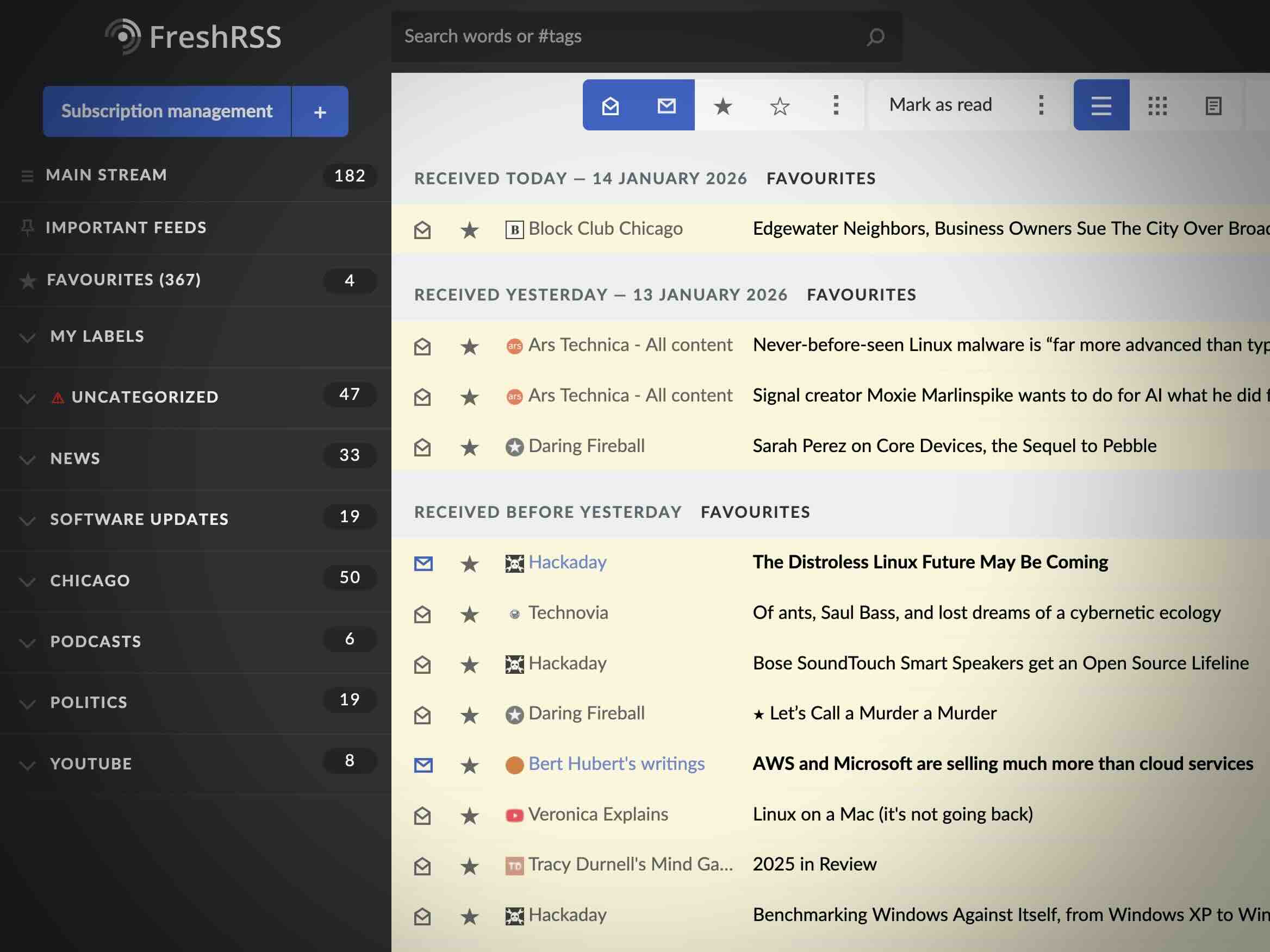
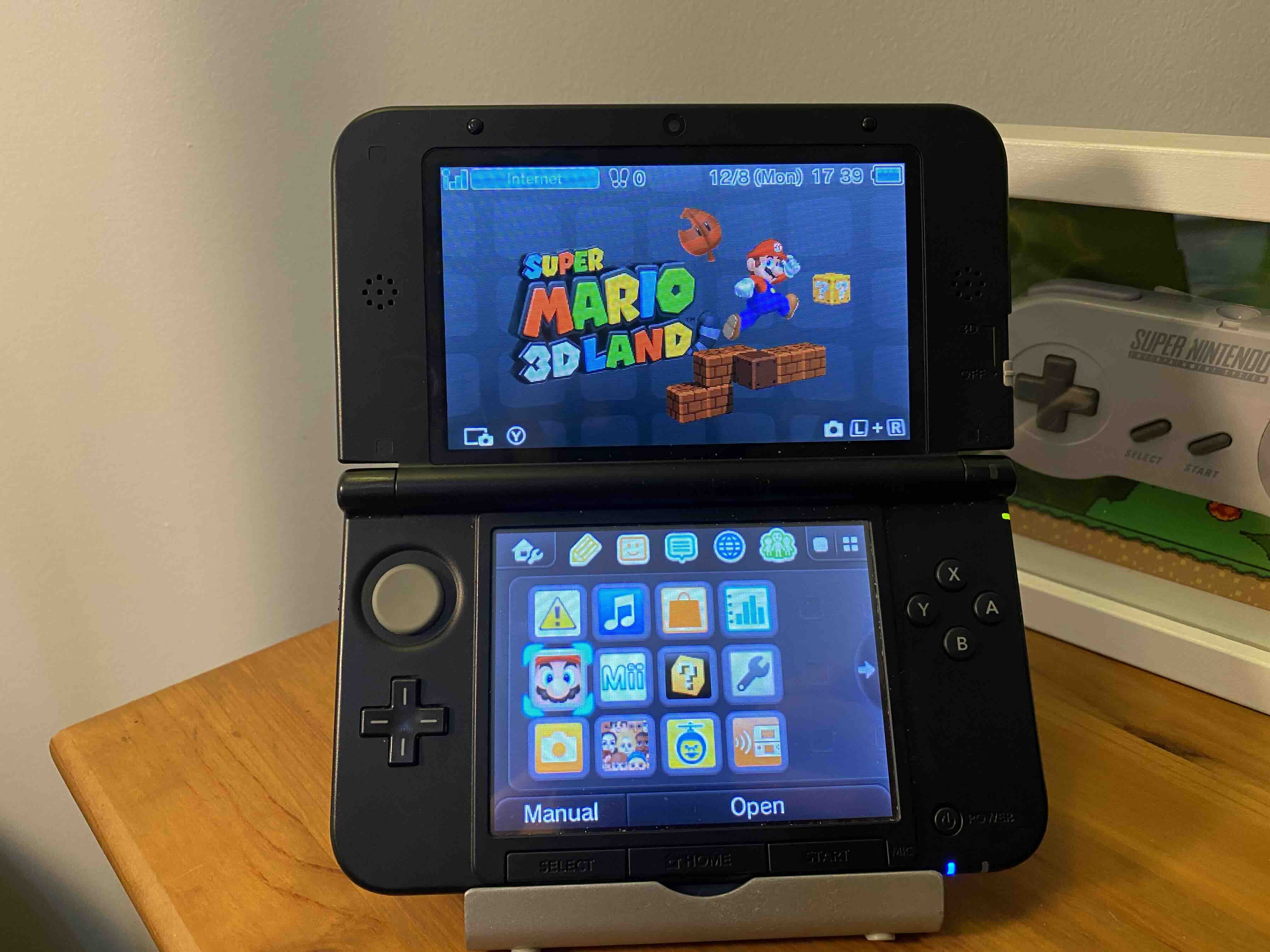
I’m proud of what I’ve accomplished these last few years. My relationship to technology has changed a lot. I’m carrying a non-smartphone full time, I’m primarily using Linux for personal use, and I’ve turned cast-off and second-hand electronics into stuff I actually use. And all while working full time, cooking all my family’s meals, and being a walking jungle gym for a high-energy baby and toddler. Oh, and I write for this website to collect my thoughts and document them.
With all my lifestyle changes around technology, I want to keep the momentum going. Here are some tech projects that I’m looking forward to in 2026.
Confabulator updates
Confabulator is more than just geeky side projects (not that there’s anything wrong with those!). Everything that I’m doing is really about the future. I’m picking and choosing the future I want based on readily available technologies and the relationship I want to have to them. Much of what is said about the (capital-F) Future is influenced by, or directly broadcast by, hedonistic ends-justify-the-means plutocrats who call themselves futurists or techno-optimists. The influence of plutocrats has skewed the internet discourse into a false dichotomy. When the Future is framed as block chain and cryptocurrency or generative AI, any substantive criticism, or y’know, different interests and preferences, naturally gets framed as a regressive view of technology. Futurist plutocrats have granted themselves a monopoly on, among other things, optimism itself. I reject that. This next year I want to focus my writing on the future. I believe managing e-waste, promoting digital ownership, and protecting against internet media is part of a vision for an optimistic, human-focused, future rather than a condemnation of it.
In the short term, I’ve made some updates to the look of the site. I want to arrive at a design that I’ll keep for at least a few years. I feel like I’m close.
In the long term, I’m thinking about changing web hosts. This website is hosted with GitHub Pages which has been great for how easy it is to publish and it’s no maintenance. But I assume that one day GitHub will betray us. They have to. It’s practically their fiduciary responsibility to make user-hostile changes. I’d like to evaluate some alternatives so that when the day comes that GitHub steps in the poop, I’ll already be halfway out the door.
The big project: A family computer / computer for my kid
As a parent, it’s not really up to me what kid absorbs from the world around them. Despite my best efforts, and rarely carrying a smartphone, my kid has internalized that all screens are touch screens. My goal with a family computer is that I’m giving my kid something to play around with, but on my terms with built-in guardrails. Something that is attractive enough to want to use, but that isn’t quite as addictive as an iPad. This project is largely a thought experiment about what sorts of applications a small child might use and enjoy and what I can do to make the computer more usable.
Long term project: Owning my movies, TV, and music
Admittedly this is a couple projects in one. It’s not about replacing music and video streaming services today. I want to have a baseline of media services that I own and run. Over time these will improve. I’ll keep them maintained and ready. They’ll serve as a commercial-free alternative in the face of increasing prices and changes in terms of service. Similar to the family computer, the measure of success is if my alternatives are attractive and usable enough for my family. I’m not shutting off even a single streaming services until I have comparable alternatives in place that my family uses voluntarily. Since streaming services are just icons on our Apple TV set-top box, the scene it set for something like Plex, Jellyfin, or others to rotate in over time.
Nice to have: Wallabag on Kindle
I got pushed off of Pocket when it reached end-of-life this summer and I installed Wallabag on my Raspberry Pi. So far, so good. But what I really want is to read my saved articles on my Kindle. That would cut down my internet consumption and dovetail nicely with my curated RSS feeds. A Wallabag client exists for Jailbroken Kindles (which I have), but getting it is more involved than downloading a binary. I need to compile it and whatnot. So I’ve queued this up as a project when I have the time and mental energy for that sort of thing.
Nice to have: Dumb phone alternative
I love my Light Phone 2, but the battery is not replaceable and the micro-USB port is wearing down, so unfortunately it is future garbage. I should get at least another year or two out of it, but if it broke irreparably, I don’t know what my best alternative is. I wouldn’t buy another Light Phone 2 because of its age and lack of repairability. I didn’t care for the Light Phone 3 which I pre-ordered last year and promptly sold on eBay. My goal for the year is to evaluate my options and have a front-runner even if I don’t buy anything.