Reading later, offline
I want to take the web offline to read on my Kindle.
I’m easily misdirected when using a computer or smartphone. I may pick up my iPhone to read an email, but then I check my bank account for some reason, or go to Google News to skim the horrors headlines of the day. It’s why I fortify myself against internet media. When people ask me about my Light Phone, they tend to assume that because I use a non-smart phone I must naturally have great habits about the internet. I have to correct them and say, no, I use it because I have terrible habits when left unchecked.
I will scroll the internet as much as anybody no matter how bad it makes me feel. That’s why I want to grab what I want from the internet, take it offline, and get the hell out. The two gadgets that have given me that experience over the last 20 years are the iPod and Amazon’s Kindle.
The Kindle, in particular, is a device that eschews the allure of internet media with it’s eInk display and too-big-to-pocket size. Virginia Heffernan writes in Magic and Loss (2016) that the Kindle is “not sensual or fetishitic… not a vanity device, superchanged with processing power and razzle-dazzle for male connoisseurs of low-mass, hi-fi, high-speed, high-def sounds and sights.”
It’s for this reason that I want to take the web offline to read on my Kindle.
A while back, I wrote my own command line script to download articles from the web, clean them up, and convert them to eBooks. It’s great when I actually use it, but the process is manual and clunky. I have to be very deliberate about copying and pasting the article URL into my script. And I can only run the script while on a PC. That friction meant that I didn’t read articles on my Kindle even a fraction as often as I would have liked. But reading articles on my Kindle validated that this is something I really want. To make reading articles on my Kindle a regular part of my life, I need something better.
Earlier this year, I started self-hosting the read-later service Wallabag after being pushed off of Pocket. I was excited to see on the Wallabag site that there is a Kindle client for jailbroken Kindles called Wallindle, and I have a jailbroken Kindle! I already save articles to Wallabag through a browser extension and aps, which is much more natural than copying and pasting a URL into a command line script. A Wallabag client for Kindle would be the best possible version of what I want.
There was a road block, though. I followed the link to Wallindle, and guess what? It’s a GitHub repository of the source code and I’m expected to compile it. Not just compile it, but I also needed to pull some libraries off of my Kindle to be used as part of the compilation process.
Well, that’s not great. My experience with C/C++ is limited to a freshman course I took 20 years ago. But we live in the age of ChatGPT, so with ChatGPT’s help I was able to muddle through the instructions to get the dependencies off of my Kindle. And I know just enough about C/C++ that I could tell if ChatGPT was off the rails and I could guide it back to reality. I hacked at this for several nights spread over a couple weeks and finally I had a binary executable that I could load onto my Kindle.
I ran the executable I built and unfortunately it had some error about another dependency. Not the dependency that I had to manually pull off of the Kindle, but something else. At that point, I said, okay I need to put this down and walk away from it for a while. The Wallindle client was a dead end, or at least more trouble than it was worth.
Later I thought, what if there’s something built into Wallabag to automatically convert my articles to eBooks. If Wallabag had a way where I could download my articles as eBooks, that would still be better than pasting URLs into my command line script. Even if I had to manually download the eBooks and transfer them to my Kindle, while not ideal, it would give me a little more of what I wanted.
I started Googling around to see if Wallabag has an eBook download feature. I didn’t find one, but apparently this was the right combination of key words because it lead me to KOReader.
I originally learned about KOReader from jailbreaking my Kindle. KOReader is the reason why most people jailbreak their Kindles. Not me. I jailbroke my Kindle because I wanted the cover of the book I’m reading to be the screensaver, something which is standard on newer Kindle models. KOReader was kind of under-sold to me in everything that I saw and heard. It lets you read PDFs and ePUBs on your Kindle, which is not super useful to me personally, so I dismissed it out-of-hand for years.
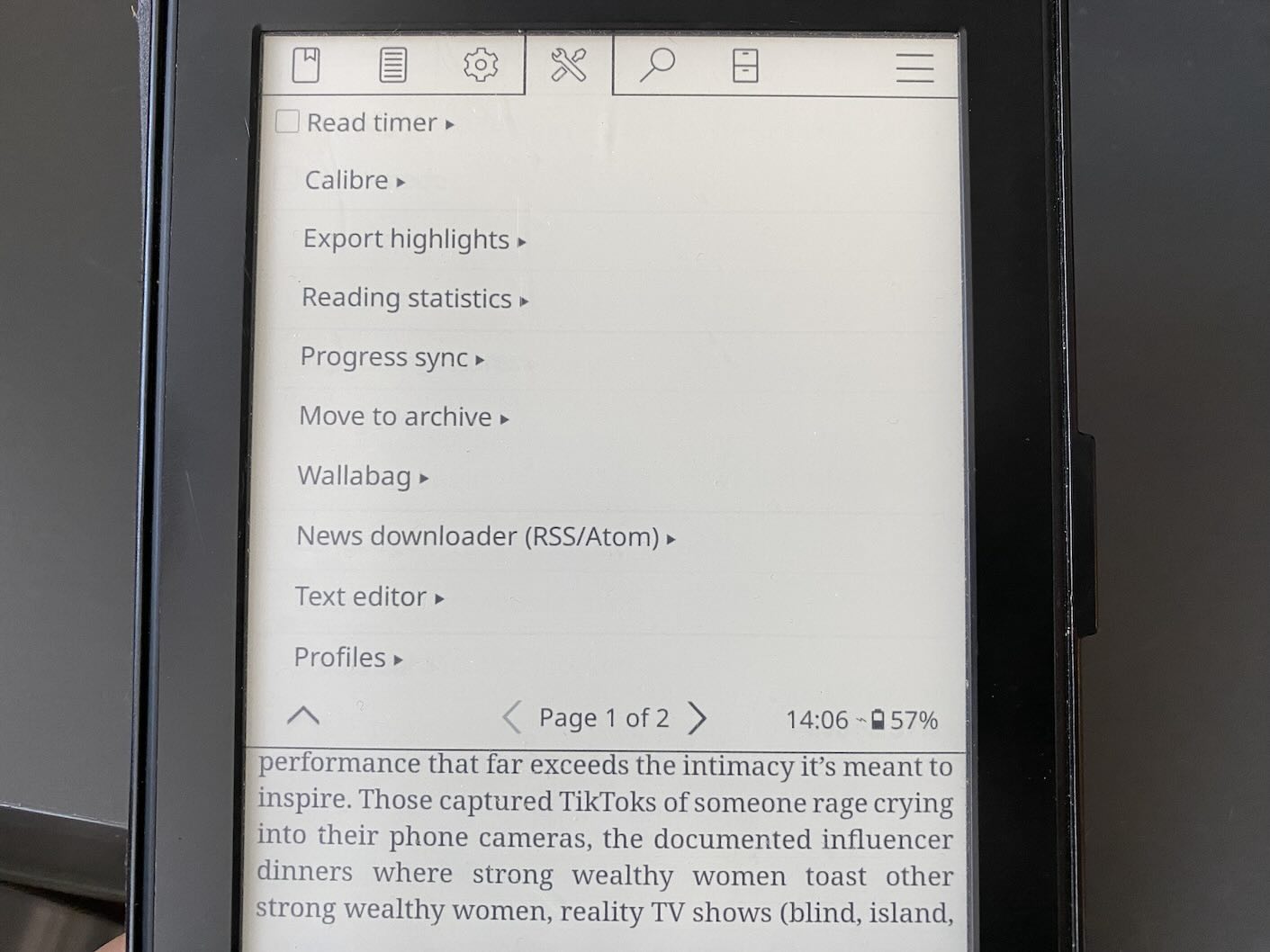
Once I found out that KOReader has a built-in integration with Wallabag, I installed it immediately. I got used to KOReader’s controls and the main menus then I connected it to my self-hosted Wallabag server and it just worked! It downloaded the top 30 articles from my account and I was ready to go.
For the last few weeks, I’ve been reading my Wallabag articles through KOReader. When I’m done reading an article, I mark it as finished, and then I sync the finished articles and Wallabag marks them as read and archives them. It’s really great!
Conclusion
My posture towards the internet is distrust bordering on hostility, but there’s so much good stuff out there. Reading what other people write is some of the best of the human experience. There are so many brilliant and interesting people publishing insightful things which are absolutely worth my time. The trouble is taking in the good stuff without getting swept away by the maelstrom of all the stuff.
Reading stuff on the internet is as important to me as anything I do on a computer. As a category of stuff, it’s up there with music, movies, or video games. It’s why I’ve worked to own each part of my internet reading. I guard my internet intake with an RSS reader. And longer pieces, or ones that I’m not in the mood to read, get saved to Wallabag.
After I saved an article to Wallabag, that’s when things broke down. Wallabag, being a web-based application, competes for my attention with everything on the web and everything on my computer. The result was that Wallabag (and previously Pocket) was a place where I saved things that I’ll never read.
With my saved web articles on my now on my Kindle, I’m actually reading them. An article that felt too long while on my computer or smartphone feels like no time at all on my Kindle. This setup has quickly become a foundational piece of my internet reading. It lets me give the proper attention to the tons of good, thought-provoking, writing available on the internet without getting caught up in the, gestures broadly, everything all at once.
Links and resources
If you’re interested in jailbreaking your Kindle and/or using KOReader for yourself, here are all the links and resources that will get you started.